Settings
Section Settings
This article describes how to configure sections in your document.
Page Size
FluentWriter offers two ways to define the dimensions of a page. You can set exact sizes in various units or choose from standard presets.
Specific Page Size
Configures the exact dimensions of pages within the section:
using FluentWriter.Common;

document.Section(section => {
  section.PageSize(8.5, 11); // in inches
  // or
  section.PageSize(21.59f, 27.94f, Unit.Centimeter);
  // or
  section.PageSize(PageSizes.Letter);
});
Predefined Page Size
For convenience, FluentWriter provides commonly used page size presets, including optional orientation:
using FluentWriter.Common;

document.Section(section => {
  section.PageSize(PageSizes.A4);
  section.PageSize(PageSizes.A3);
  section.PageSize(PageSizes.Letter);
  section.PageSize(PageSizes.Legal);

  // it is also possible to specify the orientation
  section.PageSize(PageSizes.A4.Portrait());
  section.PageSize(PageSizes.A4.Landscape());
});
Columns
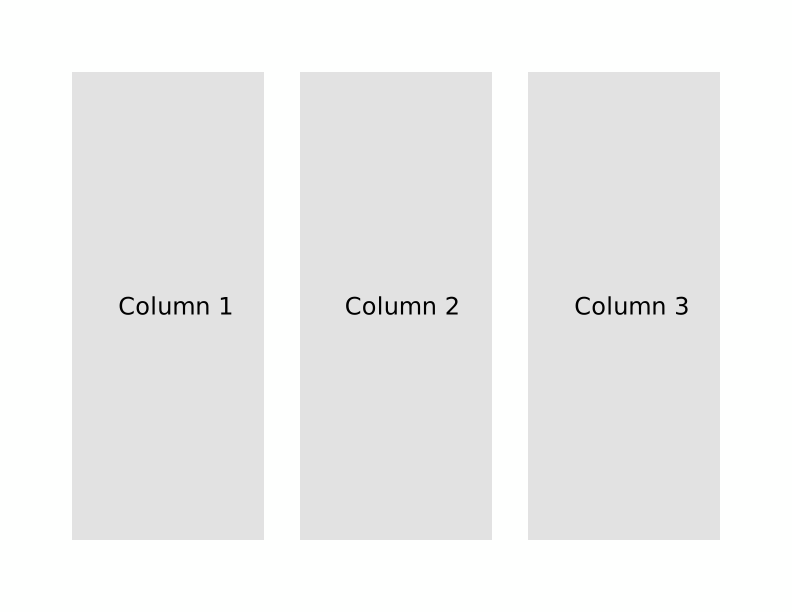
Uniform Columns
The columns
document.Section(section => {
  section.PageSize(PageSizes.Letter.Landscape());
  section.Columns(3, 0.25f);
});
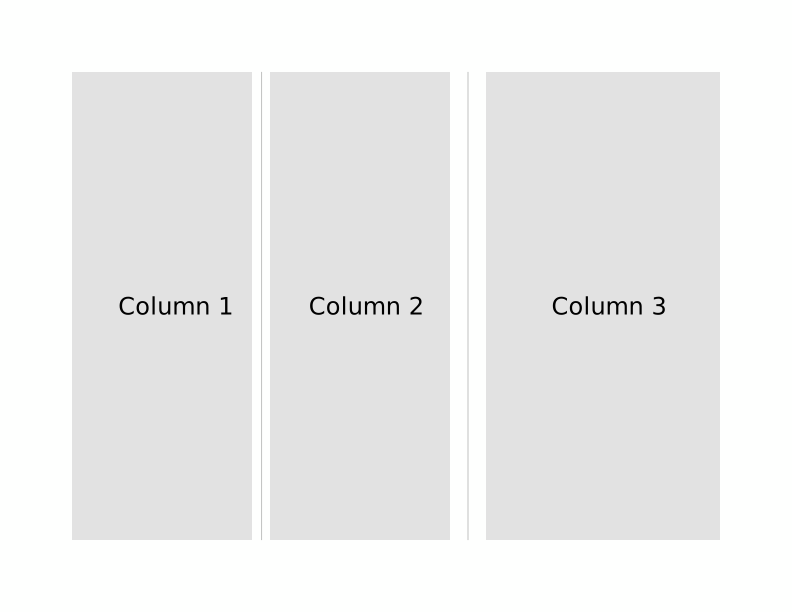
Non-uniform Columns
document.Section(section => {
  section.
  section.Columns(columns => {
    columns
      .Spacing(0.25f) // default spacing in inches
      .LineBetween() // display line between columns
      .Column(2.5f)
      .Column(2.5f, 0.5f) // custom trailing space
      .Column(3);
  });
});
Documents with multiple section settings
Different settings can be applied to each section in the document. This flexibility allows you to mix sizes, orientations, styles, or margins as needed:
using FluentWriter;
using FluentWriter.Common;

WordDocument.Create("C:\\Document.docx", document =>
{
  document.Section(section =>
  {
    page.Size(PageSizes.Letter);
  });

  //
  document.Page(page =>
  {
    page.Size(PageSizes.Tabloid.Landscape());
  });
});
Sections inherit their properties from previous settings. For example, in the following code the first two sections would have a page size of Letter (8.5" x 11") while the last two sections would have a page size of Tabloid (11" x 17").
// Page size is Letter (8.5" x 11") by default:
document.Section(section => {/* ... */})

// Page size is implicitly Letter, matching the previous section:
document.Section(section => {/* ... */})

// Page size is explicitly set to Tabloid (11" x 17"):
document.Section(section => section.PageSize(PageSize.Tabloid))

// Page size is implicitly Tabloid, matching the previous section:
document.Section(section => {/* ... */});